Voxalike Microphone Not Working: Fix It in Order
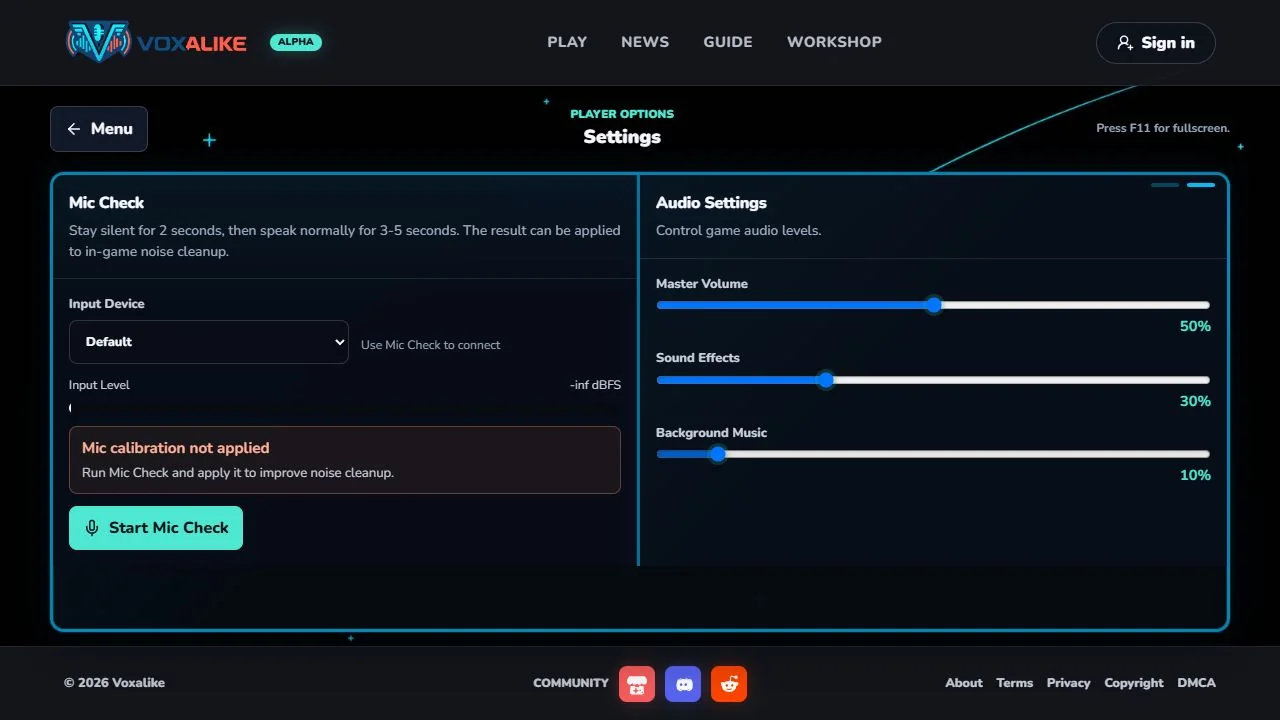
A symptom-based microphone diagnostic for Voxalike that starts with Mic Check and the site permission, then narrows the problem without erasing browser data.
Read guideMicrophone, recording, browser storage, recent results, and export recovery.
A symptom-based microphone diagnostic for Voxalike that starts with Mic Check and the site permission, then narrows the problem without erasing browser data.
Read guideA safe result-handling guide for final rendering, video download, lost multiplayer result pages, exact mod revisions, temporary storage, and failed recovery.
Read guideMicrophone diagnosis should start with Mic Check, the address-bar permission, and the selected input. Only move to operating-system privacy, competing audio apps, extensions, or mobile audio focus after the faster checks. Clearing all site data is deliberately last because it can remove installed packs and recent results.
A completed dub is assembled locally. Keep the tab visible during the final render and download the file as soon as it appears. Play the saved WebM outside the game before closing the session, then keep the original if you create a converted MP4 copy for editing.
Recent Dubs can help after a completed multiplayer result page is lost, but it depends on the same browser profile, local data, and exact mod revision. Its two-result, roughly two-hour window should never replace a deliberate download routine.
Collect context before reloading a failing room: browser and operating-system versions, game version, room mode, pack title and revision, and the exact step that stopped. That evidence helps distinguish one client’s permission problem from a package mismatch or transfer delay.
The guides avoid universal reset advice. A clean browser profile can be a useful comparison, but deleting the primary profile’s storage can destroy the evidence and files you are trying to recover. Start with reversible tests and protect local exports throughout the diagnosis.