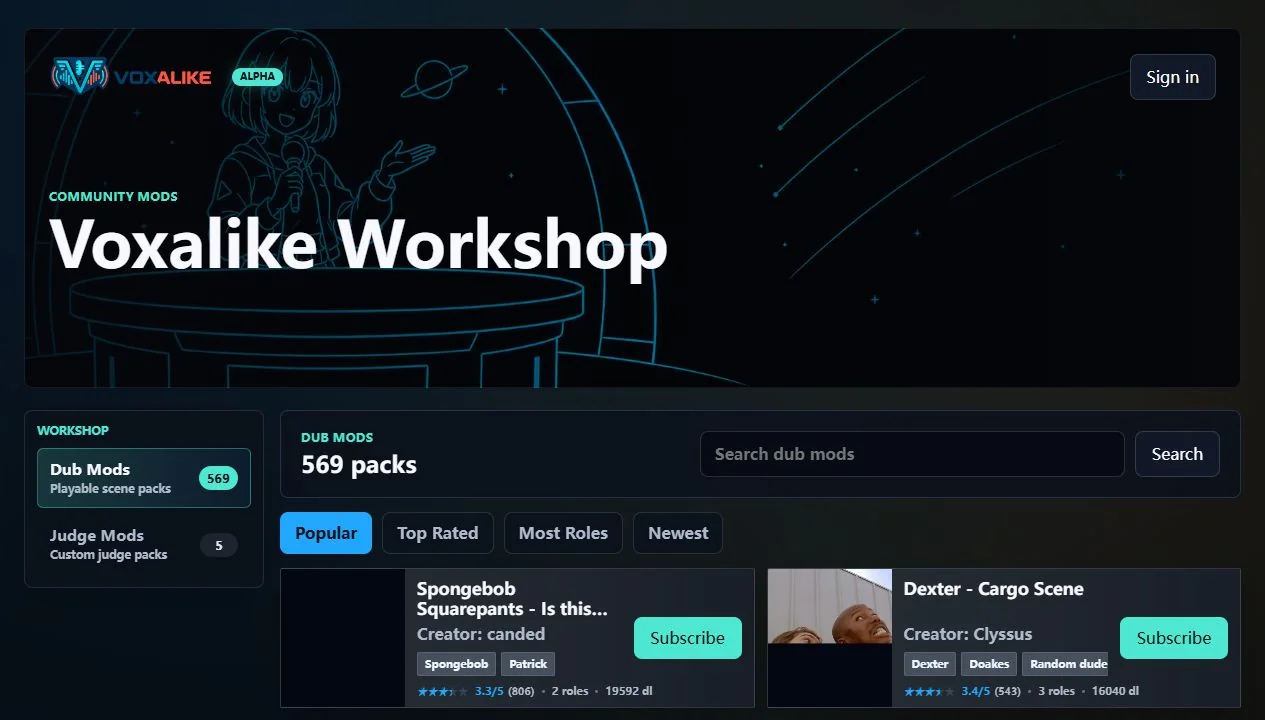
Voxalike Mods and Workshop Installation Guide
A player-focused map of Voxalike Dub Packs and Judge Mods, including the difference between subscribing and installing, local imports, revisions, and storage.
Read guideSubscribe, install, import, update, and match Dub Packs between players.
A player-focused map of Voxalike Dub Packs and Judge Mods, including the difference between subscribing and installing, local imports, revisions, and storage.
Read guideA creator checklist for the official Voxalike Dub Mod structure, from line timing and captions through metadata, browser testing, multiplayer revision control, and rights.
Read guideA Workshop subscription is a library relationship attached to an account. The playable files still install separately in each browser and device. That distinction explains most reports of a subscribed pack appearing but not starting after a device or profile change.
Local ZIP imports are useful for private tests and original unpublished work, but every multiplayer participant needs the same package contents. Renaming an archive cannot repair a revision mismatch. Preserve the original distributed ZIP until the group has exported every result that matters.
Creators should begin with a short original scene, clean per-line timing, consistent roles, and rights they can document. Dub Mods contain playable scenes and prompts; Judge Mods are separate static presentation packages and do not alter scoring or gameplay.
Before updating or uninstalling a pack, export any result that could still depend on it. Recent multiplayer recovery needs the exact revision, so a cleanup performed too early can remove the scene data required to rebuild a completed dub. Keep archived private-test ZIPs clearly labeled by revision.
The creator guide focuses on structure and testing rather than supplying copyrighted movie clips. One shared MP4 or WebM scene, per-line prompt audio, matching INI timing files, metadata, and an optional backing track are useful only when every included asset can be distributed lawfully.