
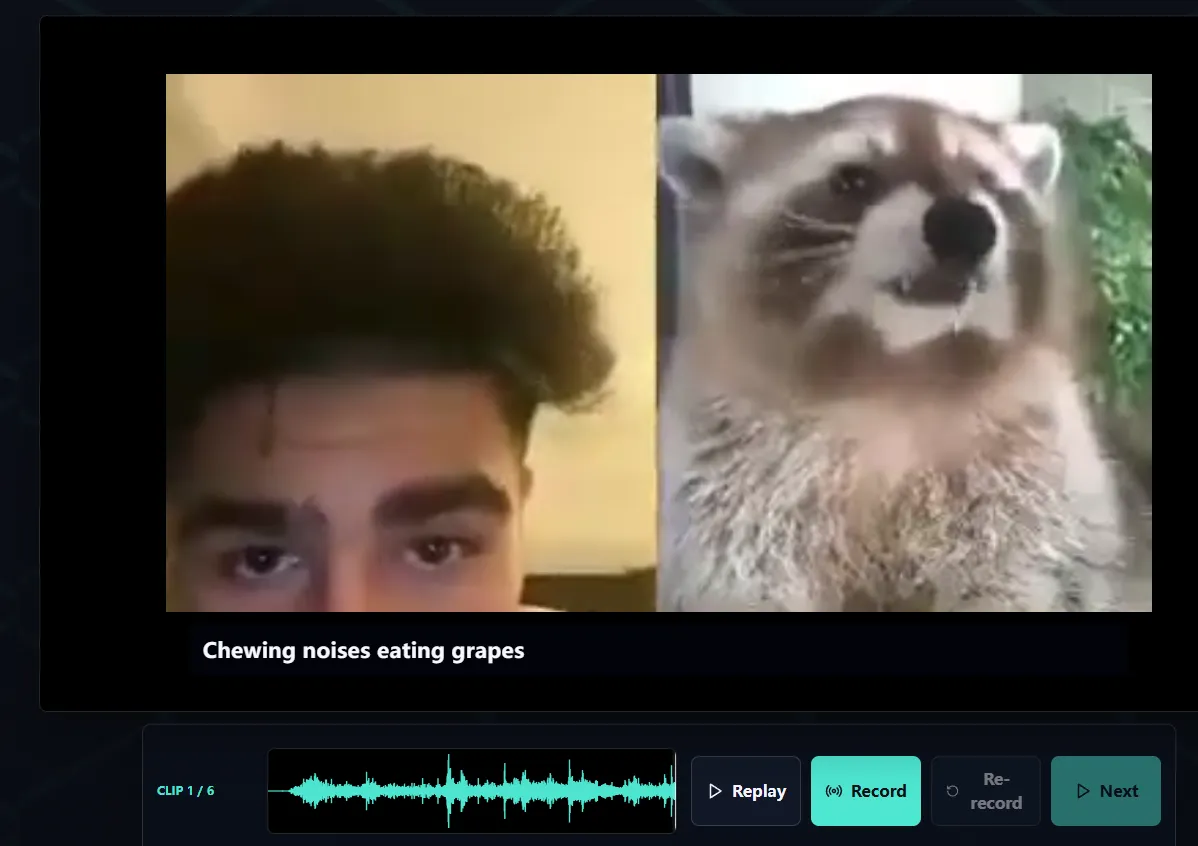
Start with an original, short scene
A useful first Dub Mod is a short scene you created or have clear permission to distribute. Keep the cast small, dialogue clean, and shot changes limited. You will learn more from testing ten well-timed lines than from packaging a long scene before the format is familiar.
Voxalike’s official structure uses one shared scene video plus per-line source audio and INI data. Prepare the script and timing sheet before assembling files.
For each line, record:
- a stable line number or filename stem;
- character or role name;
- caption text;
- start and end timestamps;
- the source prompt audio for that line;
- any notes needed to test the cue.
Core files in a Dub Mod
The official guide describes these building blocks:
- a shared scene video in MP4 or WebM format;
- one audio prompt per line in WAV, MP3, or OGG format;
- one matching
.inifile per line with timing, caption, and role data; _pack_info.inifor package-level metadata;- optional backing-track audio;
- cover artwork for the library and Workshop presentation.
Use predictable filenames and keep each audio file paired with the INI file for the same line. Do not create two lines whose names differ only by capitalization; filesystems and browser tooling do not always treat that distinction consistently.
Build the timing data
Cut or export clean prompt audio for each line, then write the matching timing values in its INI file. The caption should represent the spoken line clearly, while the role should stay consistent throughout the scene.
Test three boundaries carefully:
- Lead-in: the player needs enough context before recording starts.
- Line window: the start should not cut off the first syllable, and the end should not collide with the next speaker.
- Playback context: the finished take should feel natural when inserted into the shared scene.
Avoid compensating for bad timing with long silent audio. Fix the timestamps and source edit so every player receives the same clean cue.
Write useful pack metadata
_pack_info.ini identifies and describes the package. Follow the current field names in the official creator guide, and keep a separate creator changelog so you can increment the revision whenever distributed files change.
A practical metadata set should make the following clear to players:
- pack title and creator;
- version or revision;
- short scene description;
- expected duration and cast size;
- content warning where appropriate;
- original source and license or permission statement;
- contact or issue-reporting route.
Do not use a famous film title, studio logo, or actor image to imply official affiliation. Descriptive, original cover art makes the pack easier to recognize without confusing ownership.
Add a backing track only when it helps
Voxalike v1.4.1 added backing-track support to the current play flow. A separate music/effects stem can preserve atmosphere beneath player recordings, but only if you own or can redistribute it.
Keep dialogue out of the backing track or it will compete with the new performance. Normalize it below typical speech volume, test with both quiet and loud voices, and make sure the final render does not clip.
Package and test locally
Assemble the required files in the exact directory structure from the official guide, then create the ZIP without wrapping the package in an unnecessary extra parent folder.
Test in this order:
- Import the ZIP in a clean browser profile.
- Confirm its cover, title, and metadata render correctly.
- Play every line in Single Player.
- Check captions, character labels, waveform recording, retry, and final assembly.
- Test the shortest and longest line with a normal microphone.
- Download the finished result and watch it outside the game.
- If intended for rooms, import the same untouched ZIP on a second client and run a small multiplayer session.
Keep the test browser separate from your development folder. A package that only works because stale files already exist is not ready to share.
Revisions matter in multiplayer
Any edit to video, audio, line data, metadata, or package structure should produce a new revision. Players in one room need matching playable contents. Do not silently replace a public ZIP while keeping the same revision label; old and new clients will be difficult to diagnose.
Archive each distributed build with its revision number. When publishing an update, list what changed and tell hosts that every participant must sync or import the same release.
Dub Mods and Judge Mods stay separate
A Judge Mod is not a special folder inside the Dub Mod. It is a separate presentation package built around judge_pack.json schema 1, supported image assets, optional sounds, and feedback data. It changes the look and sound of the reveal, not the scoring rules.
The official Judge Mod guide excludes HTML, JavaScript, CSS, SVG, fonts, and external URLs. Keep that package declarative and static. Build and test the scene as a Dub Mod first; add an independent Judge Mod only if the result reveal needs its own theme.
Publish only media you can distribute
Making a package technically importable is not permission to publish copyrighted footage, television scenes, music, voices, or artwork. Use your own production, public-domain media, or assets under a license that permits modification and redistribution in this format. Keep attribution and license files with your project.
Before sharing through Workshop or a public link, ask:
- Can I distribute every video, audio, image, and font asset?
- Does the license allow edits and public downloads?
- Are required credits visible and complete?
- Does the package avoid personal information and private recordings?
- Can I remove or update it if a rights holder contacts me?
A small, fully original pack is a better portfolio piece than a polished package that depends on footage you cannot legally share.